You've invested in a website. It looks good on your laptop. You send the link to potential clients. What you don't see is what happens in the seconds between them clicking that link and the page appearing on their phone.
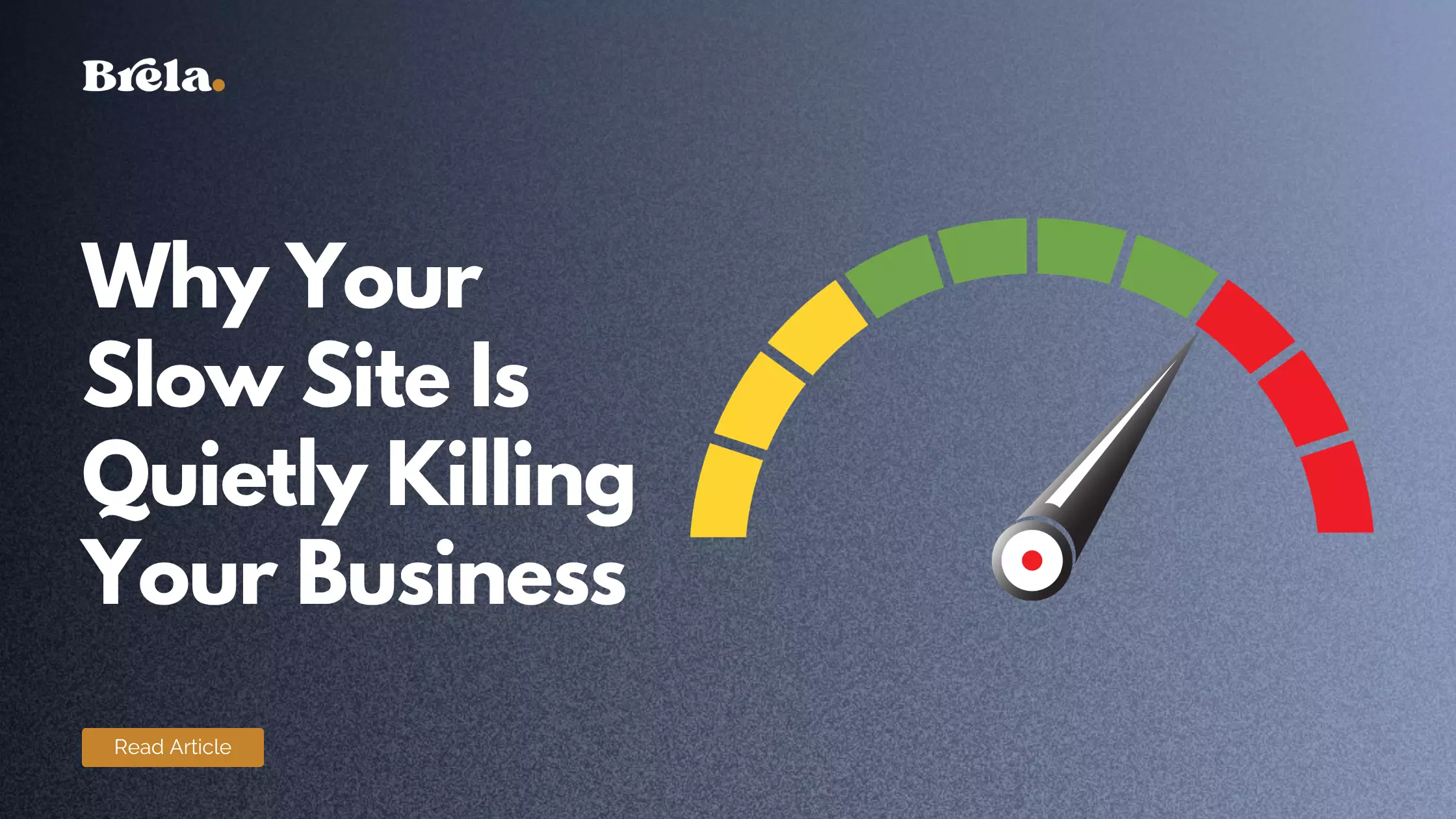
For most Nigerian business websites, those seconds are the moment customers are lost.
In Nigeria, where over 84% of internet traffic comes from mobile devices — many on 3G or variable 4G connections — website speed is not a technical luxury. It's a business critical issue that affects how many visitors stay on your site, how Google ranks you, and whether your marketing investment produces any return at all.
The Numbers That Should Concern You
Google's research shows that 53% of mobile visitors abandon a site that takes longer than 3 seconds to load. For Nigerian websites serving traffic on mobile networks, many sites take 5–10 seconds to load — losing the majority of their potential visitors before a single word is read.
The business impact:
- If your site takes 5 seconds to load instead of 2, you lose approximately 40% of visitors before they see anything
- A 1-second improvement in load time has been shown to increase conversions by 7% on e-commerce sites
- Google uses Core Web Vitals (speed and experience metrics) as a direct ranking factor — slow sites rank lower
Why Most Nigerian Websites Are Slow
Poor hosting
The most common cause of slow Nigerian websites is cheap shared hosting. When your site shares server resources with hundreds or thousands of other sites on the same server, your performance is at the mercy of everyone else's traffic. Cheap hosting in Nigeria typically means slow response times, frequent downtime, and no caching infrastructure.
Unoptimised images
A photographer's site with 20 full-resolution images, each 5MB in size, will take 40 seconds to load on a mobile connection. Most Nigerian websites have uncompressed images that are 10–100× larger than they need to be for web display.
Too many plugins
Every WordPress plugin adds code that must load with your page. A site with 30 active plugins — many of which may be deactivated but not deleted — adds significant load overhead. Plugin conflicts also cause unpredictable performance issues.
No caching
Without caching, every visitor to your website triggers your server to build the page from scratch — querying the database, assembling the HTML, and sending it. With caching, the built page is stored and delivered instantly to repeat visitors and even first-time visitors from the same geographic region.
Render-blocking scripts
Some JavaScript and CSS files load before the visible content, blocking the page from displaying anything until they've fully downloaded. This is fixable with proper script loading optimisation — but requires someone who knows what they're doing.
How to Test Your Website Speed
Three free tools you should use right now:
- Google PageSpeed Insights (pagespeed.web.dev) — tests your site on both mobile and desktop, gives you a score out of 100, and lists specific issues to fix. Aim for above 70 on mobile.
- GTmetrix (gtmetrix.com) — gives detailed waterfall charts showing exactly which elements are slowing your page load
- Google Search Console (search.google.com/search-console) — if your site is connected, the Core Web Vitals report shows how real visitors experience your site
If your mobile PageSpeed score is below 50, your site is in critical condition. If it's 50–70, there are significant improvements to make. Above 80 is good; above 90 is excellent.
How to Fix a Slow Nigerian Website
1. Upgrade your hosting
Move from shared hosting to managed WordPress hosting or a VPS. Cloudways, SiteGround, or a properly configured VPS on DigitalOcean or Hetzner will dramatically outperform most Nigerian shared hosting providers. This single change can cut load times by 40–60%.
2. Install a caching plugin
WP Rocket (premium, recommended), W3 Total Cache (free), or LiteSpeed Cache (if your host supports it). Configure it properly — not just activated, but configured. A poorly configured caching plugin can sometimes make performance worse.
3. Compress and serve images correctly
Install Smush or ShortPixel to compress existing images. Install a lazy loading plugin so images below the fold only load when the visitor scrolls to them. Convert images to WebP format where possible — WebP files are 25–35% smaller than equivalent JPEG or PNG files.
4. Use a CDN
A Content Delivery Network (CDN) stores copies of your site's static files (images, CSS, JavaScript) on servers around the world. Cloudflare's free CDN is the most practical option for Nigerian websites — it significantly reduces load times for both Nigerian visitors and international ones.
5. Audit and clean up plugins
Deactivate and delete any plugin that isn't actively needed. Combine plugins where possible — one quality SEO plugin instead of three, one security plugin instead of four. Check if your active theme has built-in features that make separate plugins unnecessary.
6. Minify CSS and JavaScript
Minification removes unnecessary whitespace and comments from code files, reducing their size. Your caching plugin typically handles this — ensure the minification settings are enabled.
The SEO Consequence of a Slow Website
Since 2021, Google's Core Web Vitals — measuring Largest Contentful Paint (LCP), Interaction to Next Paint (INP), and Cumulative Layout Shift (CLS) — have been direct ranking signals. A website that fails these metrics is explicitly penalised in Google's rankings.
In practical terms: your competitor with a faster website will outrank you even if your content is better. Speed is no longer separable from SEO — it is SEO, and it's one of three ranking factors that matter most for Nigerian businesses.
Brela offers website speed optimisation services for Nigerian businesses — from basic performance audits to full speed sprints targeting PageSpeed scores above 85. We also manage ongoing performance as part of our care plans. Get in touch to discuss your site.